01
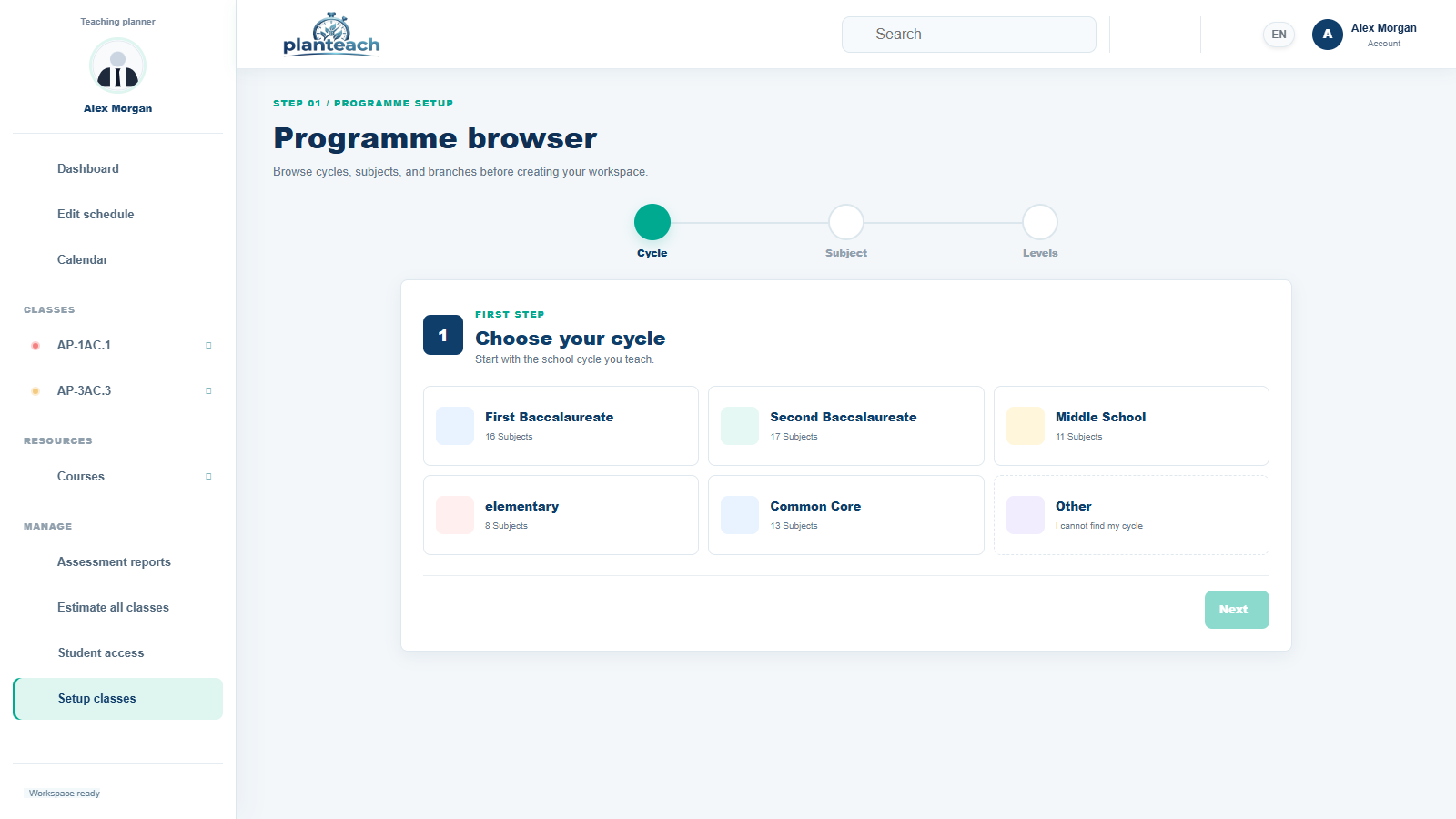
Set up your classes first
Choose the teaching cycle, add your levels and sections, then connect each class to its subjects and students.
This first setup keeps every schedule, lesson, and report in the right place.Prepare classes, manage the classroom, follow assessments, and keep every lesson record easy to find.

The screenshots stay in English so every tool and action is easy to recognize across the guide.
Choose the teaching cycle, add your levels and sections, then connect each class to its subjects and students.
This first setup keeps every schedule, lesson, and report in the right place.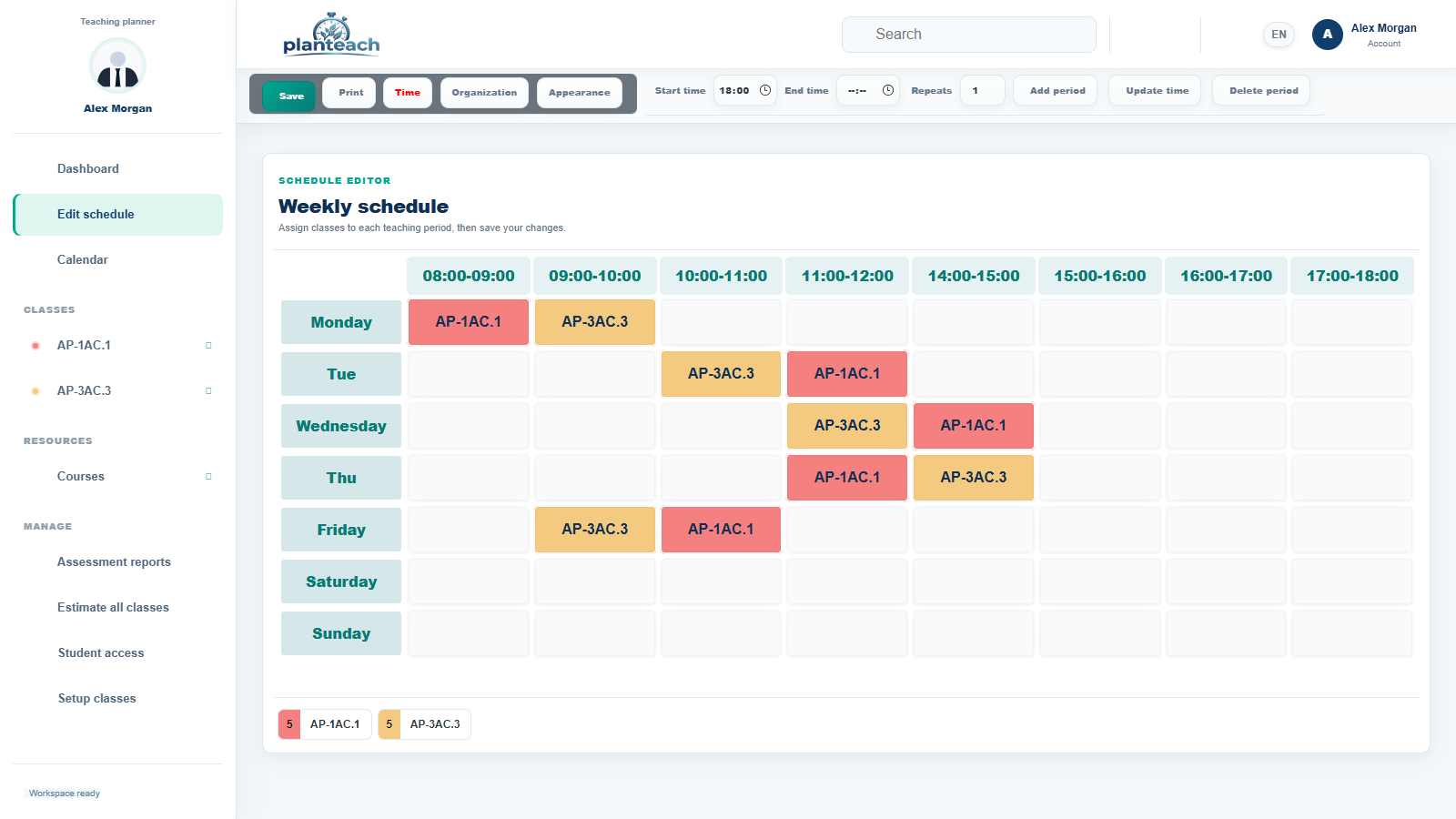
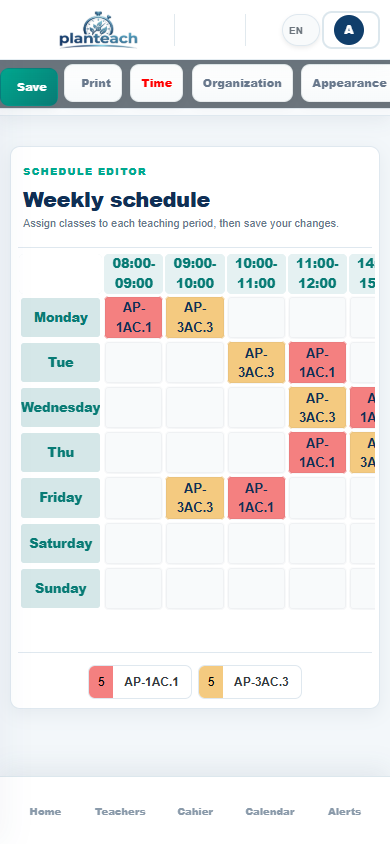
Place each class in its time slot and keep the full week visible, balanced, and ready to update.
The dashboard uses this schedule to show the current and upcoming class.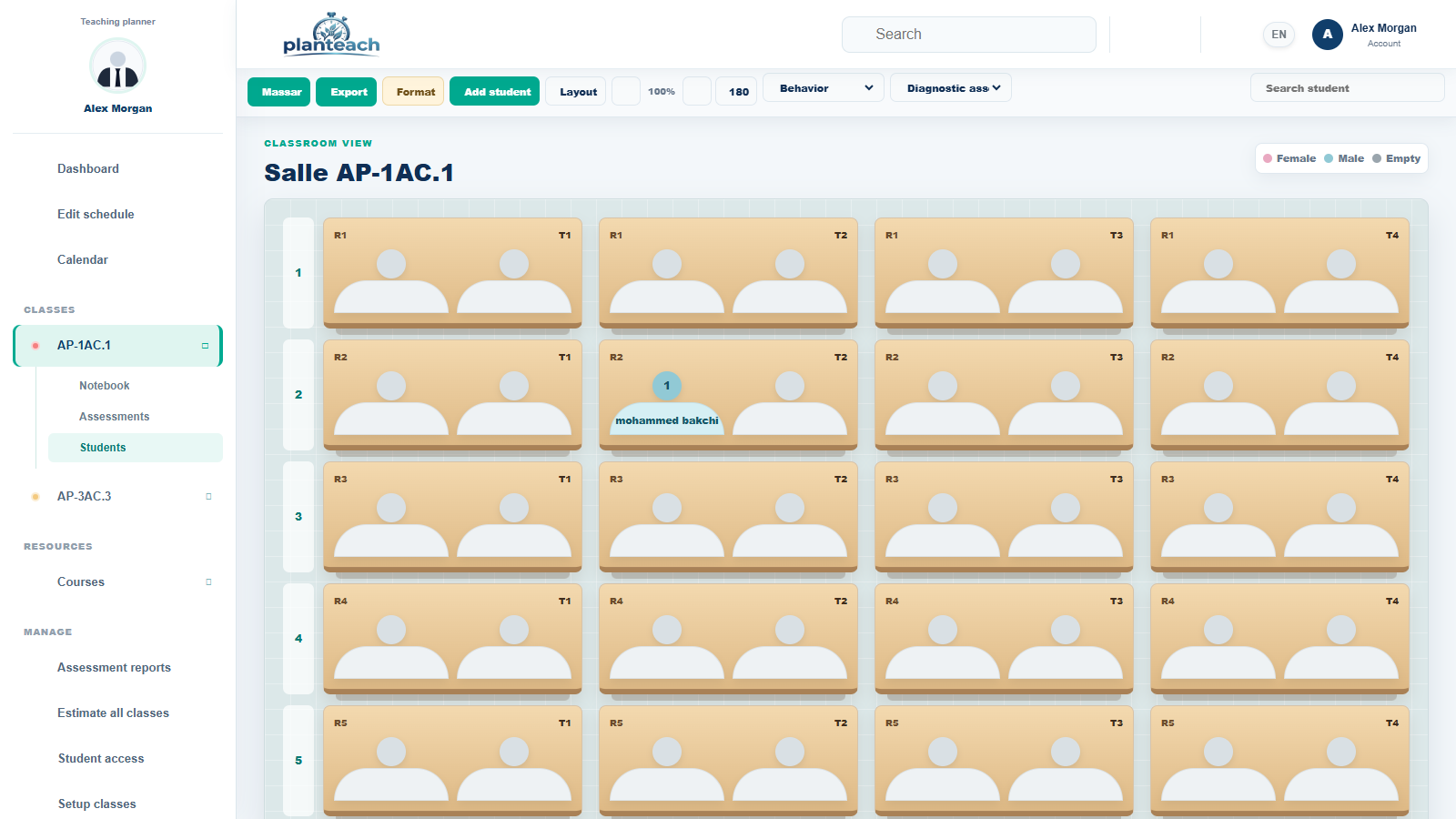
Open the class from the dashboard or classes list, import students, arrange seats, and keep the room view ready for the lesson.
Use Massar import, export, formatting, and seating tools from one toolbar.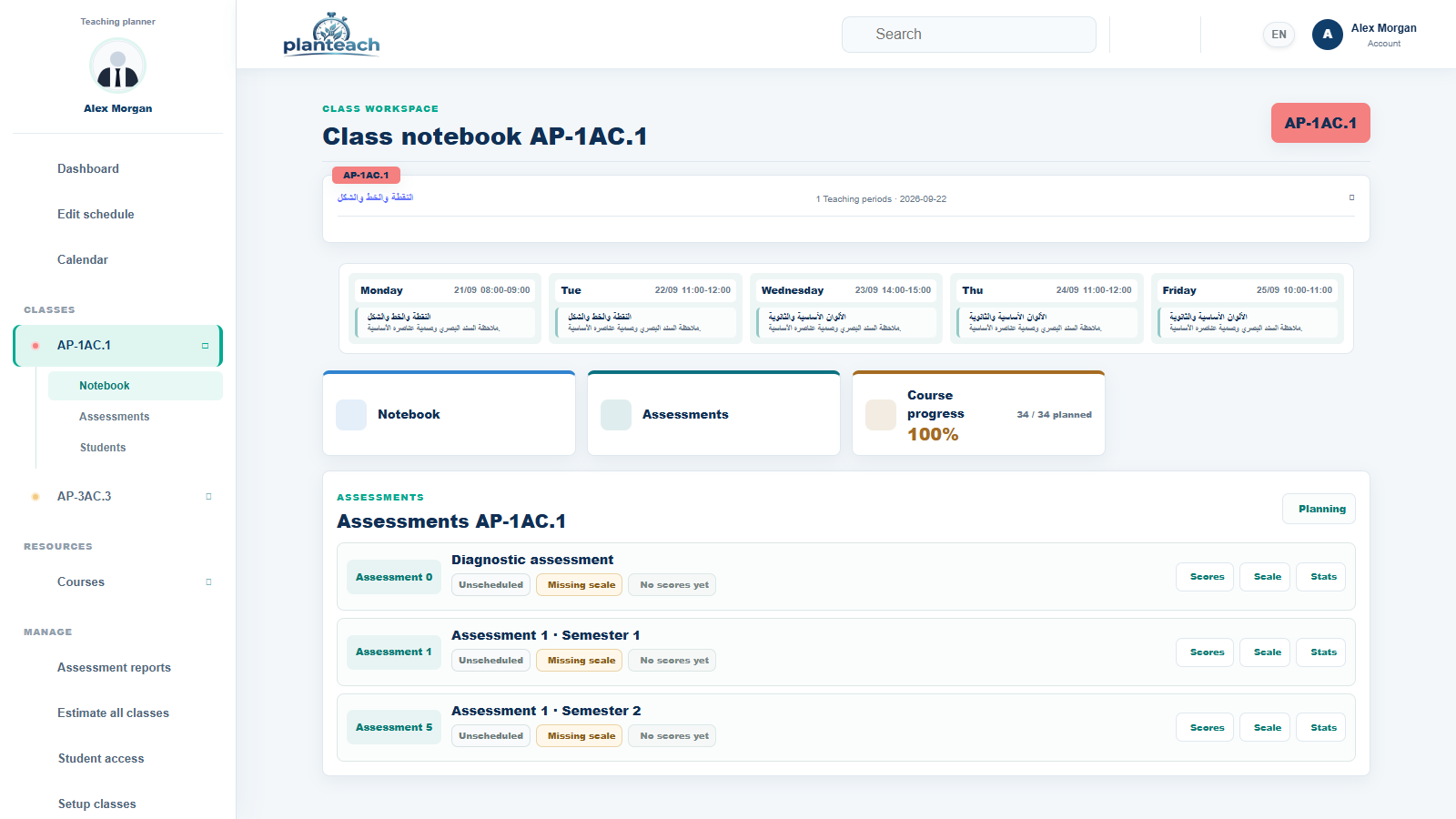
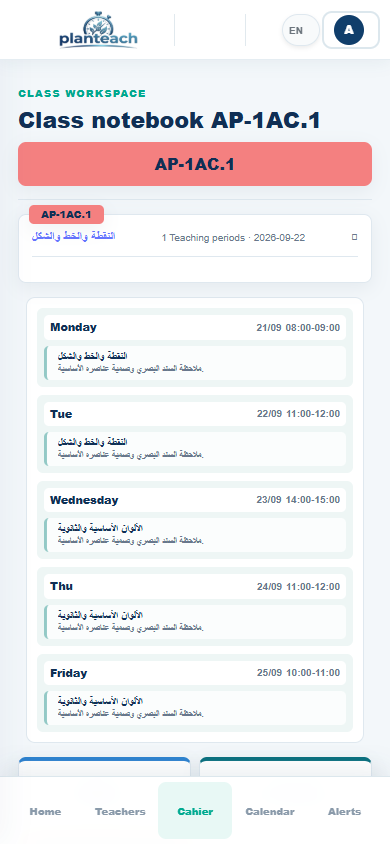
Keep lesson progress, observations, homework, and class notes attached to the correct group and date.
Your records remain ready for review, print, or export.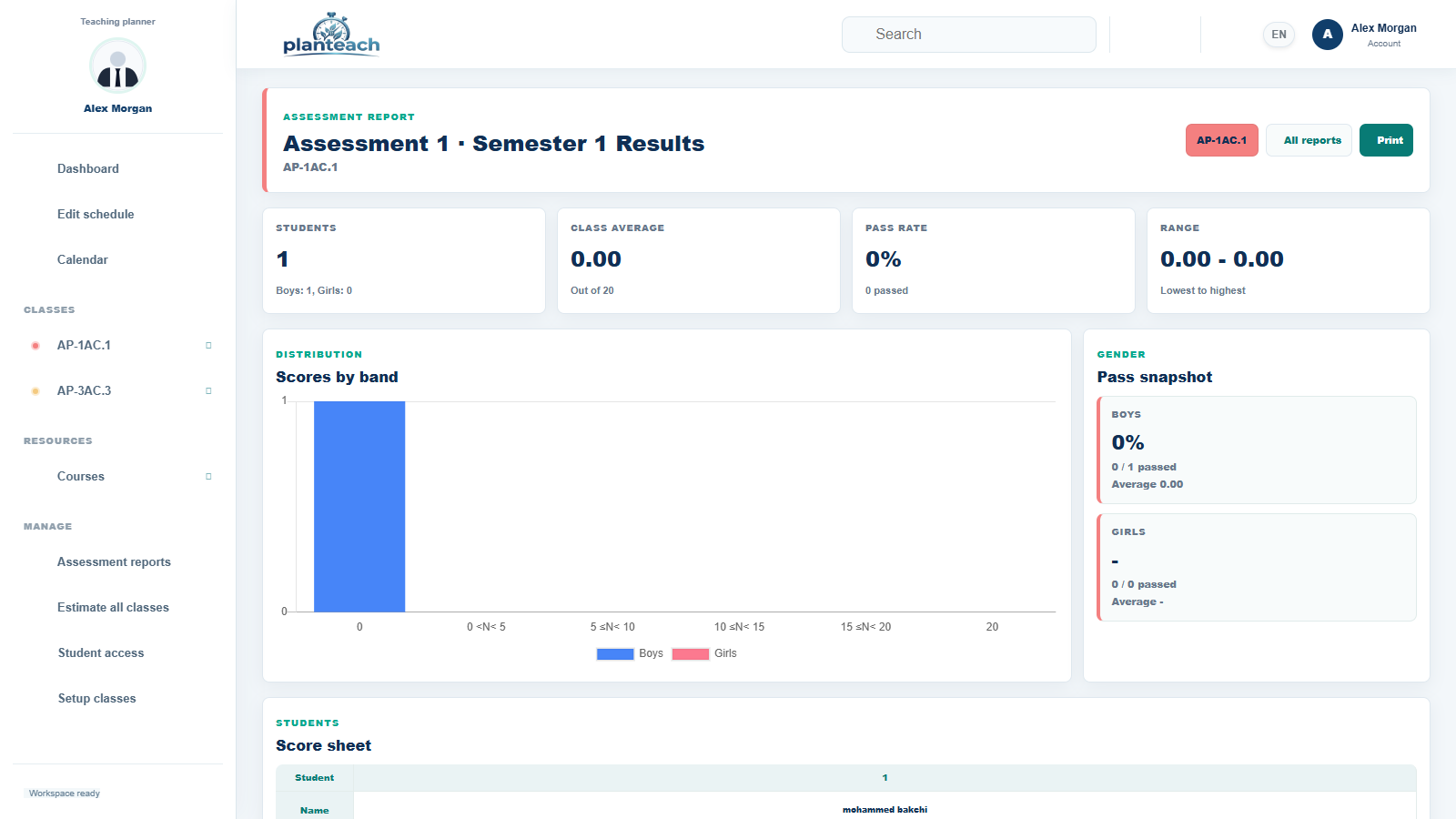
See the class average, pass rate, score range, distribution, and student results without rebuilding a spreadsheet.
Clear statistics help you identify progress and students who need support.Share messages and useful updates with colleagues inside the workspace.
Receive phone alerts before classes and scheduled assessments.
Prepare clean records and reports whenever the administration needs them.
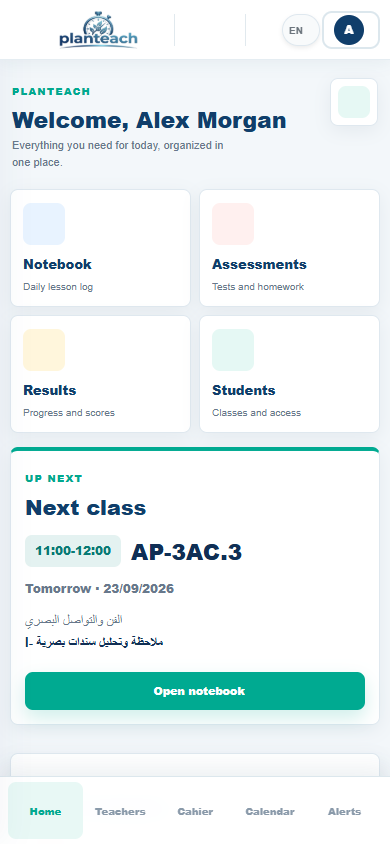
Open PlanTeach from Android or iPhone and keep the day close at hand.
Check the timetable and class notebook from the phone, with reminders before classes and scheduled assessments.
Create your workspace and prepare the school week with less repetition and better visibility.